- English
- ePUB (mobile friendly)
- Available on iOS & Android
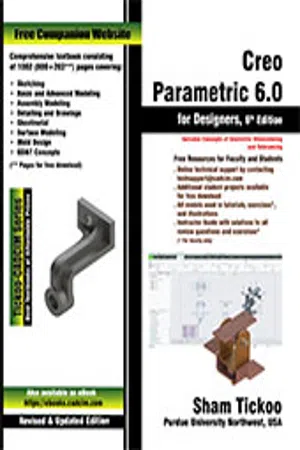
Creo Parametric 6.0 for Designers, 6th Edition
About this book
Creo Parametric 6.0 for Designers book is written to help the readers effectively use the modeling and assembly tools by utilizing the parametric approach of Creo Parametric 6.0 effectively. This book provides detailed description of the tools that are commonly used in modeling, assembly, sheetmetal as well as in mold. This book also covers the latest surfacing techniques like Freestyle and Style with the help of relevant examples and illustrations. The Creo Parametric 6.0 for Designers book further elaborates on the procedure of generating the drawings of a model or assembly, which are used for documentation of a model or assembly. It also includes the concept of Geometric Dimensioning and tolerancing. The examples and tutorials given in this textbook relate to actual mechanical industry designs.
Salient Features of Creo Parametric 6.0 for Designers book:
- Comprehensive coverage of Creo Parametric 6.0 concepts and techniques.
- Tutorial approach to explain the concepts of Creo Parametric 6.0.
- Detailed explanation of all commands and tools.
- Summarized content on the first page of the topics that are covered in the chapter.
- Hundreds of illustrations for easy understanding of concepts.
- Step-by-step instructions, notes and tips, hundreds of illustrations for easy understanding of concepts.
- Real-world mechanical engineering designs as tutorials and exercises.
- Additional information throughout the book in the form of notes and tips.
- Self-Evaluation Tests and Review Questions at the end of the chapters to help the users assess their knowledge.
- Additional learning resources at https://allaboutcadcam.blogspot.com.
Table of Contents
Chapter 1: Introduction to Creo Parametric 6.0
Chapter 2: Creating Sketches in the Sketch Mode-I
Chapter 3: Creating Sketches in the Sketch Mode-II
Chapter 4: Creating Base Features
Chapter 5: Datums
Chapter 6: Options Aiding Construction of Parts-I
Chapter 7: Options Aiding Construction of Parts-II
Chapter 8: Options Aiding Construction of Parts-III
Chapter 9: Advanced Modeling Tools
Chapter 10: Assembly Modeling
Chapter 11: Generating, Editing, and Modifying the Drawing Views
Chapter 12: Dimensioning the Drawing Views
Chapter 13: Other Drawing Options
Chapter 14: Working with Sheetmetal Components *
Chapter 15: Surface Modeling *
Chapter 16: Introduction to Mold Design *
Chapter 17: Concepts of Geometric Dimensioning and Tolerancing *
Index
(* For free download from www.cadcim.com)
Free Teaching and Learning Resources:
CADCIM Technologies provides the following free teaching and learning resources with this textbook:
- Technical support by contacting [email protected]
- Part files used in tutorials, exercises*, and illustrations
- Instructor Guide with solution to all review questions and instructions to create the models for exercises*
(* For Faculty only)
Tools to learn more effectively

Saving Books

Keyword Search

Annotating Text

Listen to it instead
Information
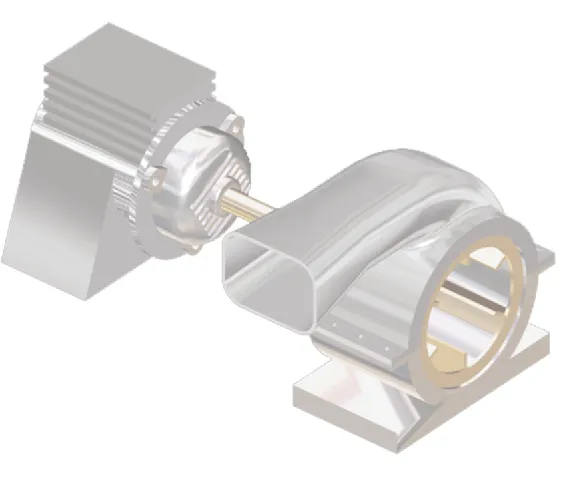


Table of contents
- CoverImage
- Front_matter_6.0_e-pub
- c01_creo_6 Ebook
- c02_creo_6 Ebook
- c03_creo_6 Ebook
- c04_creo_6 Ebook
- c05_creo_6 Ebook
- c06_creo_6 Ebook
- c07_creo_6 Ebook
- c08_creo_6.0_e-pub
- c09_creo_6.0_e-pub
- c10_creo_6.0_e-pub
- c11_creo_6.0_e-pub
- c12_creo_6.0_e-pub
- c13_creo_6.0_e-pub
- lastpage_creo_6.0_e-pub
Frequently asked questions
- Essential is ideal for learners and professionals who enjoy exploring a wide range of subjects. Access the Essential Library with 800,000+ trusted titles and best-sellers across business, personal growth, and the humanities. Includes unlimited reading time and Standard Read Aloud voice.
- Complete: Perfect for advanced learners and researchers needing full, unrestricted access. Unlock 1.4M+ books across hundreds of subjects, including academic and specialized titles. The Complete Plan also includes advanced features like Premium Read Aloud and Research Assistant.
Please note we cannot support devices running on iOS 13 and Android 7 or earlier. Learn more about using the app