All you need to know to use the latest exciting new dslr camera from Canon
If you want to get great photos from Canon's new Rebel T5i/700D dslr camera, you've come to the right place. This practical book takes you step by step through each button, mode, function, and feature of the hot new Rebel T5i/700D, so you'll be able to shoot with confidence, even in challenging situations. Packed with beautiful, full-color photographs and illustrations, this handy guide also reveals tricks and techniques that professionals use to snap super shots and capture compelling HD video. You'll want to keep this helpful reference on hand.
- Uses an easy-to-follow style to help you get the most out of the Canon EOS Rebel T5i/700D camera's 18 megapixel sensor, superb DIGIC 5 Image Processor, and 5 frames per second (fps) shooting speed
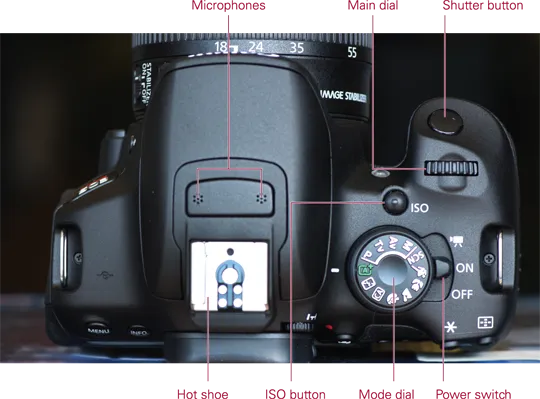
- Walks you step by step through every button, dial, and menu option, so you're ready for action when the time comes
- Includes over 200 full-color photographs to illustrate techniques, features, and functions
- Enables enthusiasts and advanced amateurs to shoot with ease in the most challenging circumstances, whether stills or HD video
- Features a grey/color checker card that will help you gauge and capture perfect white balance and color in any environment
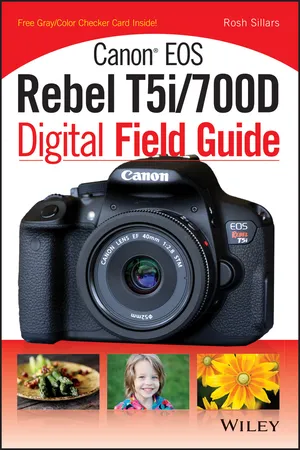
If you want to get the very most out of your Canon EOS Rebel T5i/700D, read the guide that knows it inside and out: Canon EOS Rebel T5i/700D Digital Field Guide.