The easy, visual way to learn this popular database program
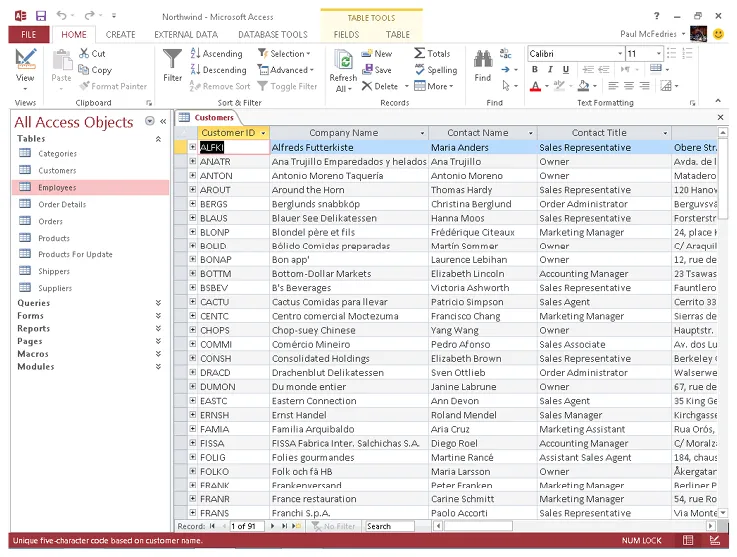
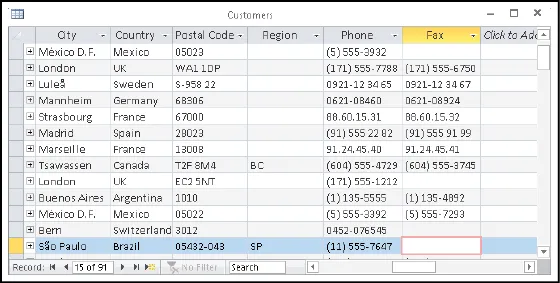
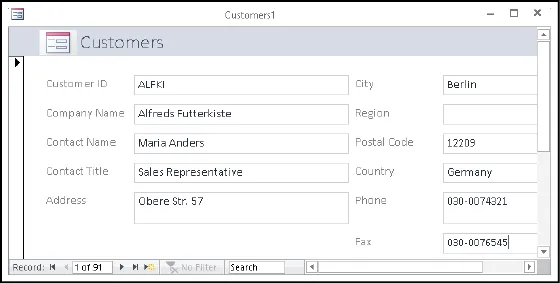
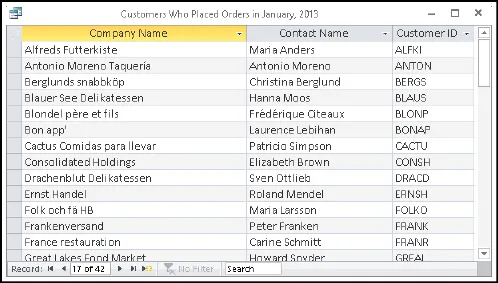
Part of the Office 2013 productivity suite, Access enables you to organize, present, analyze, and share data on a network or over the web. With this Visual guide to show you how, you'll master the fundamentals of this robust database application in no time. Clear, step-by-step instructions are illustrated with full-color screen shots that show exactly what you should see on your screen. Learn to enter new records; create, edit, and design tables and forms; develop queries that generate specific reports; add smart tags to your tables; and much more.
- While it is the most widely used database application, Access is not particularly intuitive; the Visual system's two-page lessons and full-color screen shots make this complex software easier to learn
- Concise, step-by-step instructions and clear illustrations show you exactly what to expect
- Covers scores of tasks, including entering and setting up new records, organizing and sharing data, designing tables and forms, and generating reports
- Shows how to perform more complex operations, such as finding dependencies between database objects and adding smart tags to tables
Teach Yourself VISUALLY Access 2013 uses clear steps and high-resolution screen images to get you up and running with this popular database program.