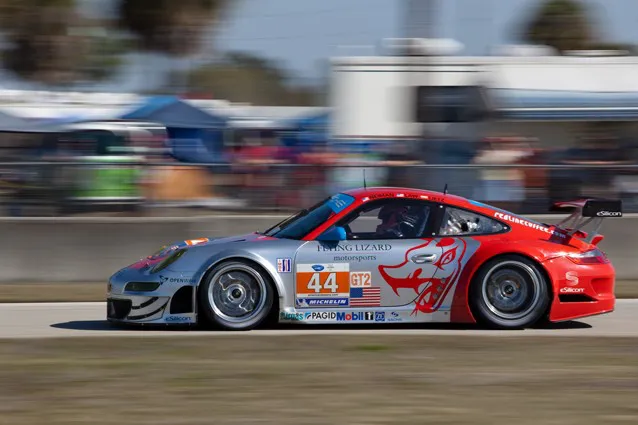
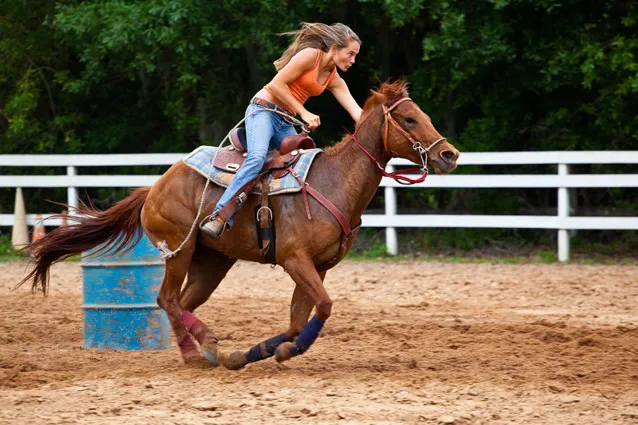
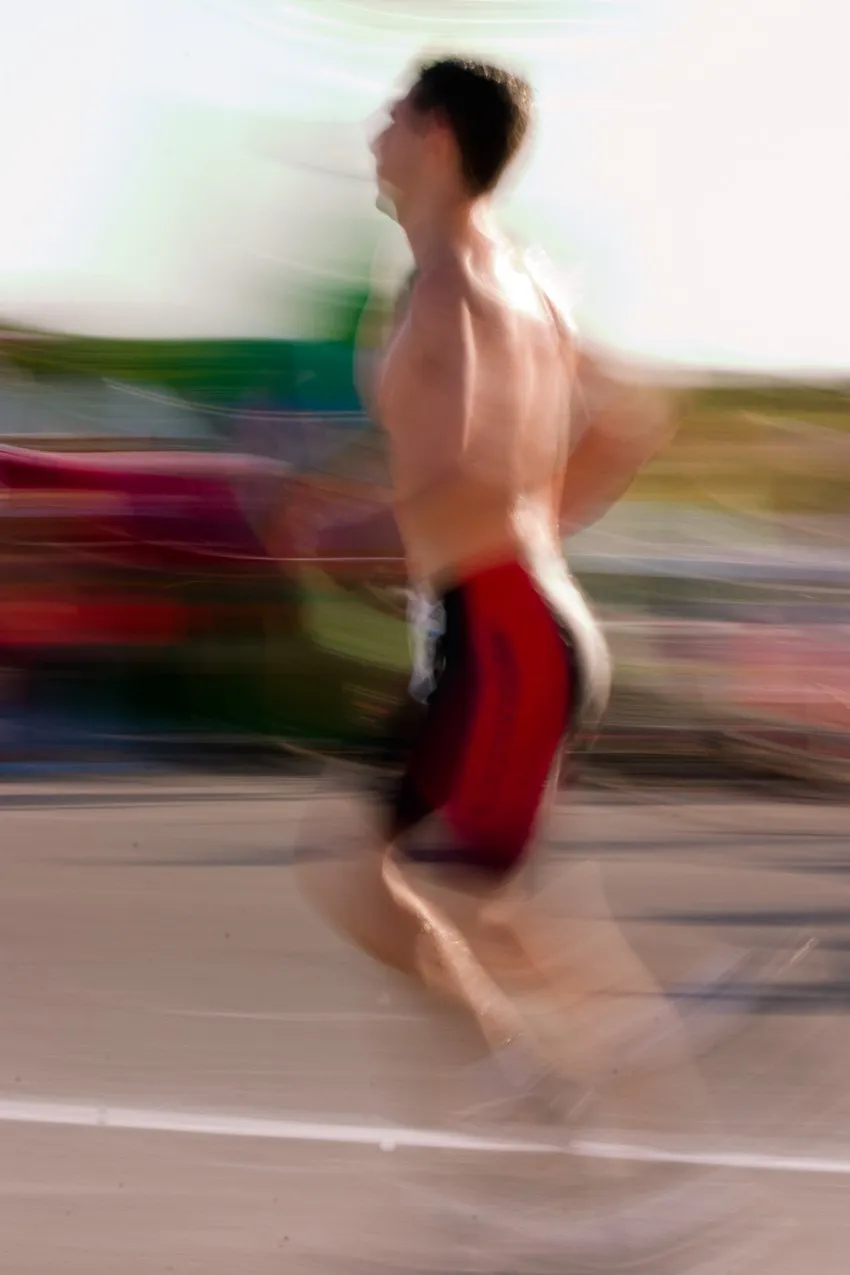
If you like action such as a marathon runner racing toward the finish line, a horse and rider negotiating a steeplechase obstacle, or a race car gobbling up asphalt at top speed, but don’t know how to capture the beauty of motion and speed with your digital camera, the chapters in this part will get you going in the right direction. In this part, I show you the settings to use to freeze action and to artistically depict the beauty of athletes and machinery in motion.
Chapter 1: Children Playing Sports
Corbis Digital Stock
Camera Settings
Metering Mode: Evaluative
Drive Mode: Single Shot or Continuous
Shooting Mode: Shutter Priority
Shutter Speed: 1/250 of a second
ISO Setting: The lowest ISO setting for available light conditions
Focus Mode: Continuous Auto-Focus
Auto-Focus Point: Single auto-focus point
Focal Length: 100mm or longer (35mm equivalent; see “Understanding focal lengths” in the appendix)
Image Stabilization: On
If you’re a soccer mom, you probably drive your kids to and from each soccer practice and match. Did you ever think of taking pictures of your children while they play? The resulting pictures can provide many wonderful memories in years to come. You just need to bring your camera to every practice and match. Your camera gear, your wonderful athlete, and the settings in this chapter provide the recipe for some wonderful images.
Setting the Camera
You may find creating great pictures of your children playing sports very rewarding. You can be the proud dad who shows all your coworkers what a great athlete and kid you’re raising. You can use a Single Shot Drive mode for this type of photography or Continuous Drive mode to capture a series of images of your child scoring a goal. To stop action, shoot in Shutter Priority mode. The suggested shutter speed freezes the action. The focal length gets an up-close-and-personal image without requiring that you get up close and personal when taking it.
Taking the Picture
You have to be quick when you’re photographing children playing sports. Unless you’re really fit, they can give you a run for your money — especially if you’re photographing football practice while your son is racing down the field toward the goal line.
1. Enable the camera settings discussed earlier in this chapter.
2. Patiently wait until the kids begin playing.
3. When your child is ready to score a goal or do something exciting, zoom in on her, and then press the shutter button halfway to achieve focus.
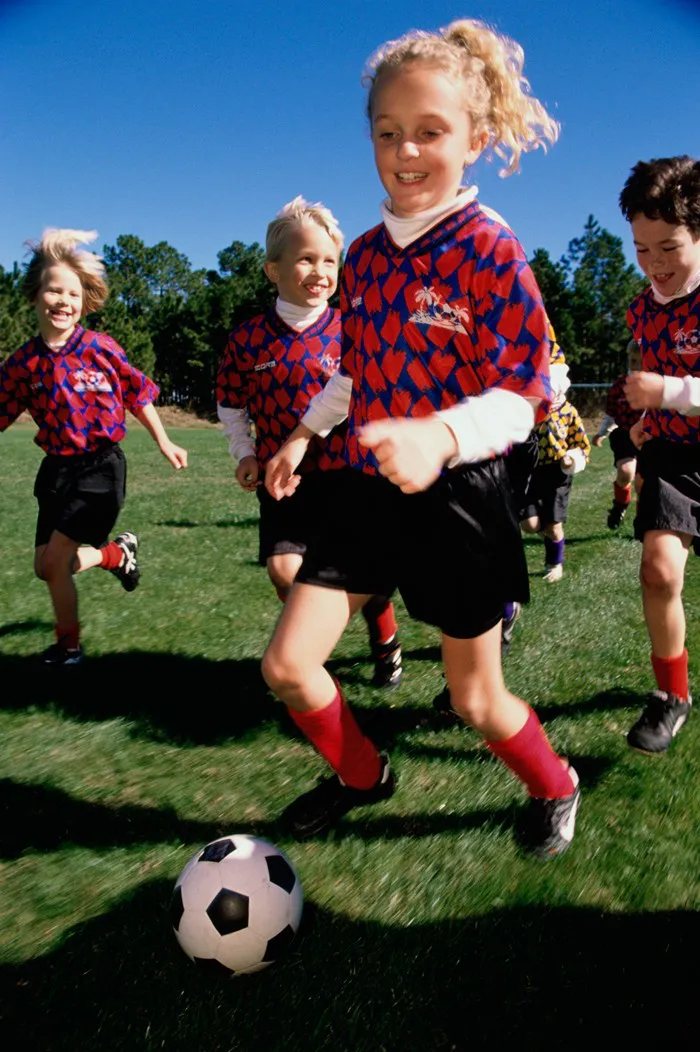
When you photograph with Continuous Auto-Focus mode enabled, the camera updates focus when your child moves, as long as you keep your finger pressed halfway on the shutter button. You may have difficulty composing an image when your child is in the heat of battle, but do your best. If your child is at a practice session, ask the coach whether you can get near the sidelines and photograph your child dribbling the soccer ball (see Figure 1-1).
PureStock
Figure 1-1: Photograph your athlete from a unique vantage point.
4. Press the shutter button fully to take the picture.
If you photograph by using Continuous Drive mode, the camera continues taking pictures as long as you continue to hold your finger on the shutter button. The camera stops taking pictures when you release the shutter button.
Tag along when your husband teaches your son how to bowl or play pool and then find an interesting vantage point. If your son is learning how to play pool, take a shot from overhead as your husband positions your son’s hand over the pool cue. If your son is learning how to bowl, walk down the lane (when it is almost empty), and photograph your husband showing your son how to hold the ball. Just make sure your son doesn’t send the ball down the alley while you’re still there. Troubleshooting
My child is not in focus. Make sure the auto-focus point is your son when you press the shutter button halfway, and make sure the auto-focus point illuminates to signify that the camera has focused on your child.
The depth of field is too shallow. You may have this problem when you photograph a sporting event in low-light conditions. To compensate for the low light, the camera chooses a larger aperture, which results in a shallow depth of field. In some instances, such as when you’re photographing action (for example, your child running for a touchdown), you want to use a shallow depth of field. When you’re photographing several children in action, you need a larger depth of field. To increase the depth of field, increase the ISO rating.
Chapter 2: Runners
Athletes in motion personify beauty, grace under pressure, and power. If you’ve ever watched any type of a track and field event, or a marathon, you know that running isn’t for wimps. ...