Chapter 1
Getting Started with
Dreamweaver
This chapter describes the World Wide Web (WWW), introduces the different types of information that you can put on a website, and shows you how to get started with Dreamweaver.
Introducing the World Wide Web
Explore the Many Ways to Design a Web Page
Plan Your Website
Start Dreamweaver on a PC
Start Dreamweaver on a Macintosh
Tour the Dreamweaver Interface on a PC
Tour the Dreamweaver Interface on a Macintosh
Show or Hide Features
Exit Dreamweaver
Get Help
Introducing the World Wide Web
You can use Dreamweaver CS6 to create, edit, and publish pages on the World Wide Web (WWW) using the Hypertext Markup Language (HTML) and Cascading Style Sheets (CSS). You can create web pages on your computer and test them in a web browser, such as Microsoft Internet Explorer, Apple Safari, Mozilla Firefox, or Google Chrome, before publishing them on the web. However, before your web pages can be viewed over the Internet, they must be transferred to a web server.
The World Wide Web
The World Wide Web — or simply the web — is a global collection of documents located on Internet-connected computers. You can access the web by using a web browser, such as Internet Explorer, Safari, Chrome, or Firefox. Web pages are connected to one another by hyperlinks that you can click.
A Website
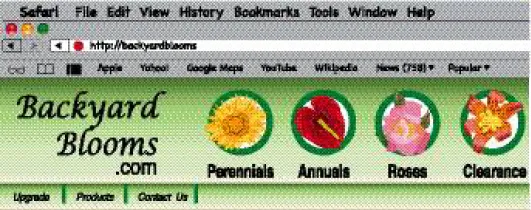
A website is a collection of linked web pages stored on a web server. Most websites have a home page that introduces the site and provides a place where visitors can start their exploration of the site’s information. A good website includes links that make it easy to find the most important pages.
Dreamweaver
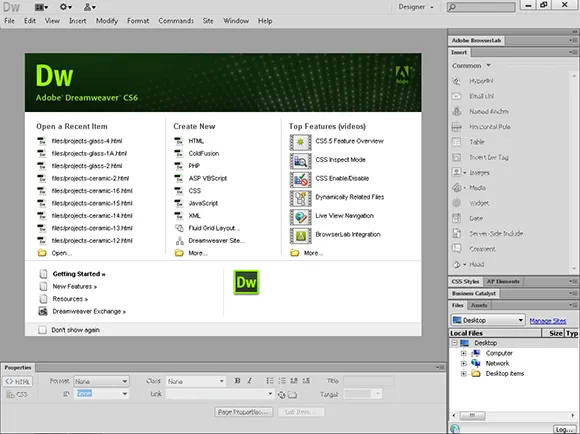
Adobe Dreamweaver is a program that enables you to create and edit web pages with hyperlinks, text, images, multimedia, and more. You can design web pages on your computer and then, when you are finished, use Dreamweaver to transfer the finished files to a web server where others can view them on the web.
HTML, HTML5, and XHTML
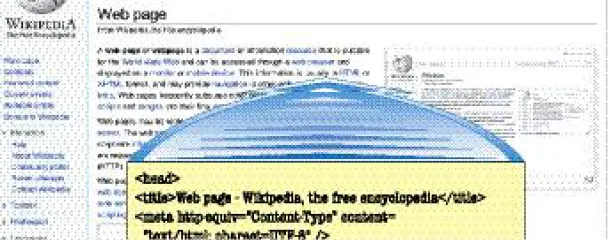
HTML is the formatting language that is used to create web pages. The Extensible Hypertext Markup Language (XHTML) is a stricter version of HTML that meets today’s web standards. HTML5 is the newest version, but it has not yet been finalized by the World Wide Web Consortium (W3C), which sets standards for the Internet, and the Web Hypertext Application Technology Working Group (WHATWG), which has been working to create HTML5 as the “living standard.” You can use Dreamweaver to create web pages without knowing HTML because Dreamweaver writes the HTML code for you behind the scenes.
A Web Server
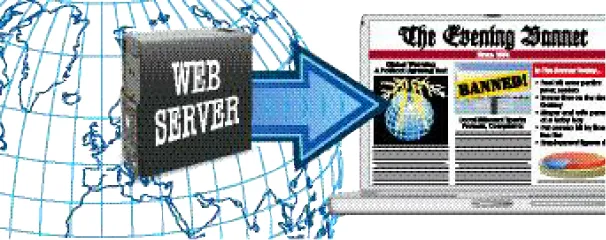
A web server is a computer that is connected to the Internet and has software that serves web pages to visitors. Each web page that you view in a browser on the World Wide Web resides on a web server somewhere on the Internet. You do not have to run your own web server to create a website because there are many web hosting companies that provide web server space for a small monthly fee. When you are ready to publish your pages on the web, you can use Dreamweaver to transfer your files to such a web server.
A Web Browser
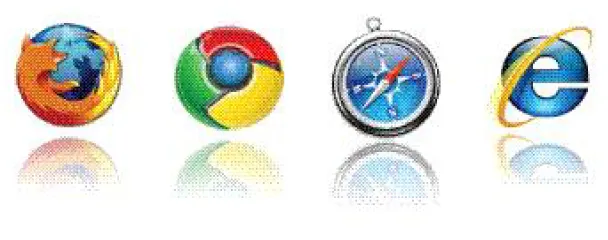
A web browser is a program that interprets HTML and other code and then displays the web page text and any associated images and multimedia described in that code. You can download most popular web browsers for free, including Microsoft Internet Explorer, Mozilla Firefox, Apple...