This book is intended to be the primary textbook to support any college who would like to run a Photography 101 course for students. The course is designed to offer tutors an independent learning tool to enable students to learn the craft of using an interchangeable lens camera (DSLR or Mirrorless) and the basics of an image-editing program (Adobe Lightroom) to enable them to take creative control of the imaging process. The curriculum offers a step-by-step and jargon-free approach to learning the fundamental skills of creative camera control. Each page features a large image with a brief explanation of how the creative controls of the camera have led to the resulting visual appearance of the image. Information on each page is stripped down the essentials and text is carefully selected to be unambiguous and kept to the bare minimum to ensure rapid acquisition of the skills on offer. This effective course-in-a-book allows students quickly to become technically proficient, and instructors to efficiently evaluate students' progress.
eBook - ePub
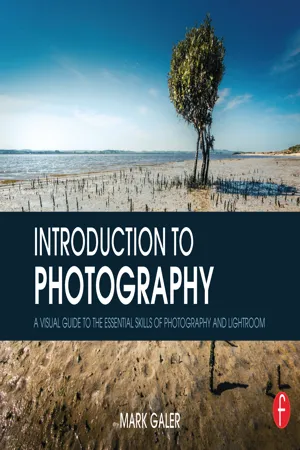
Introduction to Photography
A Visual Guide to the Essential Skills of Photography and Lightroom
- 174 pages
- English
- ePUB (mobile friendly)
- Available on iOS & Android
eBook - ePub
Introduction to Photography
A Visual Guide to the Essential Skills of Photography and Lightroom
About this book
Information

Creative Challenges

Creative Challenge 1
People
66
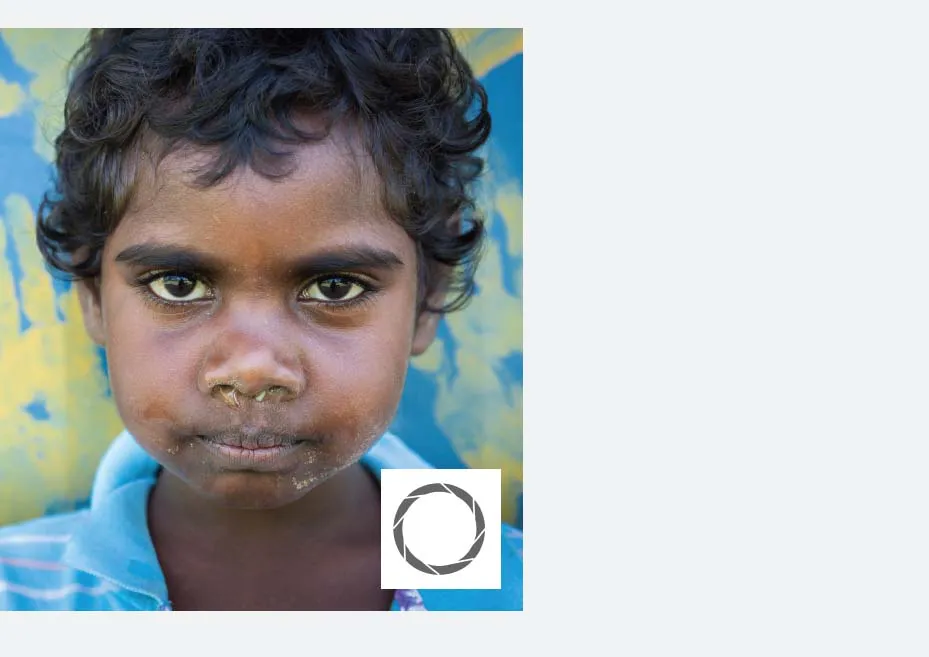
Creative Challenge One
Create four close-up portraits where the
eyes are sharp and the background is
blurred.
Zoom your lens to an ‘equivalent’ focal
length of 50mm to 70mm (see
Full Frame
Equivalent
), set the ISO to Auto and choose
a wide aperture, e.g. f/4.*
*Note > Some kit zoom lenses will only
open to a maximum aperture of f/5.6 when
zoomed to 50–70mm. If this is the case
with your lens, use the widest aperture.
When using a crop sensor, e.g. APS-C,
4/3-inch or 1-inch set the aperture to
f/2.8 if available (see
‘Depth of Field’
in the
Technical Section).
Alysha Gaden
67

SAIFFER Settings
Set up your camera with the following settings:
Shutter Speed: Use 1/60 sec or faster (using
slower shutter speeds may result in subject blur).
Aperture Priority: Use f/4 for full frame sensors
or f/2.8 for crop sensors. Use the maximum
aperture if your lens does not open to these wider
apertures.
ISO: No higher than 800.
Focus and Focal length: 50–70mm (equivalent)
and ensure the eyes are sharp.
Exposure: Ensure there is no loss of detail
in shadows or highlights (adjust if required by
reviewing the histogram on the camera).
Raw: Set the ‘Quality’ to Raw.
John
68
YES
NO
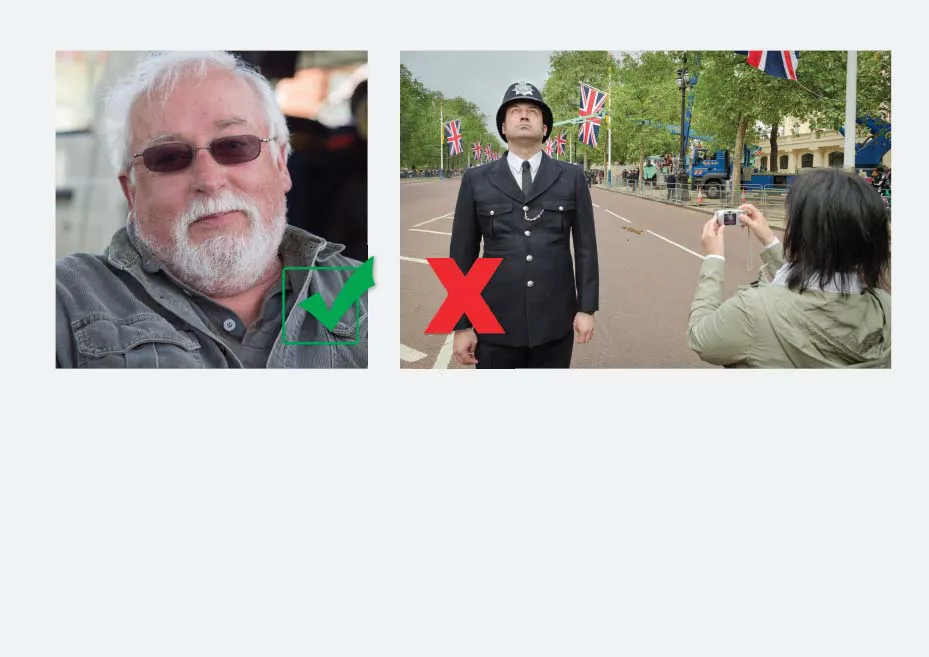
Step 1: Choose your subject
Choose a subject that is compliant (happy to pose) not candid (camera unaware).
Image marked with a red X is not necessarily a ‘bad’ image, it just does not conform to the technical
requirements for this challenge.
69
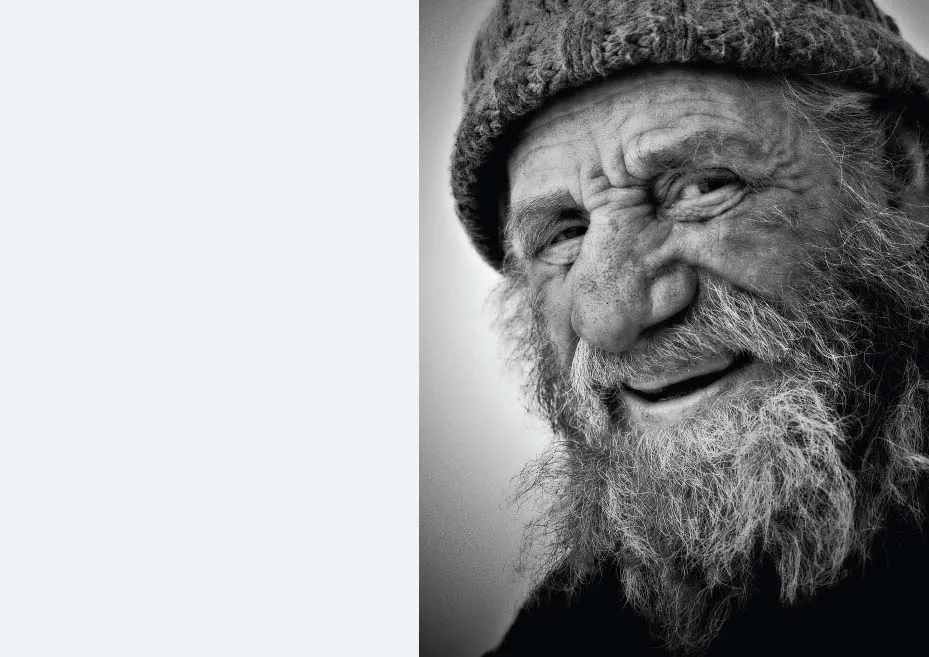
Interacting with People
If the person is a relative stranger, strike up a
conversation before asking permission to take
their photograph.
1.
Introduce yourself.
2.
Invite them to tell you their story by asking
some open questions.
3.
Express an interest in their appearance or
their activity.
4.
Let them understand your photographic
intentions are honorable and non-threatening.
Consider phrasing your desire to take a
photograph in a way that will...
Table of contents
- Cover
- Half Title
- Title Page
- Copyright Page
- Table of Contents
- Course Overview
- Technical Section
- Creative Challenges
- Image Editing
- Exporting Images
- Glossary
- Useful Links
- Index
Trusted by 375,005 students
Access to over 1.5 million titles for a fair monthly price.
Study more efficiently using our study tools.
Frequently asked questions
Yes, you can cancel anytime from the Subscription tab in your account settings on the Perlego website. Your subscription will stay active until the end of your current billing period. Learn how to cancel your subscription
No, books cannot be downloaded as external files, such as PDFs, for use outside of Perlego. However, you can download books within the Perlego app for offline reading on mobile or tablet. Learn how to download books offline
Perlego offers two plans: Essential and Complete
- Essential is ideal for learners and professionals who enjoy exploring a wide range of subjects. Access the Essential Library with 800,000+ trusted titles and best-sellers across business, personal growth, and the humanities. Includes unlimited reading time and Standard Read Aloud voice.
- Complete: Perfect for advanced learners and researchers needing full, unrestricted access. Unlock 1.5M+ books across hundreds of subjects, including academic and specialized titles. The Complete Plan also includes advanced features like Premium Read Aloud and Research Assistant.
We are an online textbook subscription service, where you can get access to an entire online library for less than the price of a single book per month. With over 1.5 million books across 990+ topics, we’ve got you covered! Learn about our mission
Look out for the read-aloud symbol on your next book to see if you can listen to it. The read-aloud tool reads text aloud for you, highlighting the text as it is being read. You can pause it, speed it up and slow it down. Learn more about Read Aloud
Yes! You can use the Perlego app on both iOS and Android devices to read anytime, anywhere — even offline. Perfect for commutes or when you’re on the go.
Please note we cannot support devices running on iOS 13 and Android 7 or earlier. Learn more about using the app
Please note we cannot support devices running on iOS 13 and Android 7 or earlier. Learn more about using the app
Yes, you can access Introduction to Photography by Mark Galer in PDF and/or ePUB format, as well as other popular books in Media & Performing Arts & Digital Media. We have over 1.5 million books available in our catalogue for you to explore.