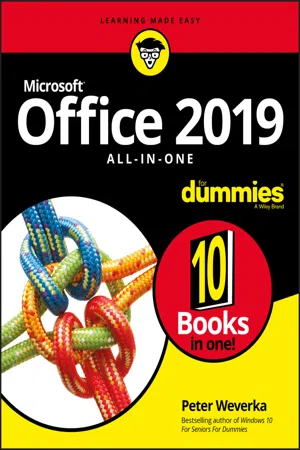
One practical book that's ten books in one: Learn everything you need to know about Microsoft Office with one comprehensive guide on your bookshelf
To know your way around all the applications within Microsoft Office would require you to be part mathematician, part storyteller, and part graphic designer--with some scheduling wizard and database architect sprinkled in. If these talents don't come naturally to you in equal measure, don't panic--Office 2019 All-in-One For Dummies can help.
This hefty but easily accessible tome opens with Book 1, an overview of the Office suite of applications and tips for handling text and becoming more efficient. From there, you'll find a book on each of the suite's major applications:
- Word: Learn the basics of word processing with Word, plus lay out text and pages; use Word's styles and proofing tools; construct tables, reports, and scholarly papers; and become familiar with manipulating documents.
- Excel: In addition to refining your worksheets so they're easier to understand, you can also master formulas, functions, and data analysis.
- PowerPoint: Find out how to make your presentations come alive with text, graphics, backgrounds, audio, and video. This book also contains a chapter with guidance and tips for delivering presentations--in person or virtually.
- Outlook: From helping you to manage your contacts, inbox, calendar, and tasks, Outlook can organize your days and keep you working productively.
- Access: Not everyone needs to build and maintain databases, but if that's part of your job, this book has all the hands-on information you need to get going: Build a database table, enter data, sort and query data, and filter data into report format.
- Publisher: The Publisher book is a quick-and-dirty introduction into desktop publishing, helping you to design a publication using built-in color schemes, templates, fonts, and finishing touches like borders and backgrounds.
The last three books cover material that applies to all the applications. Book 8 shows you how to create charts, handle graphics and photos, and draw lines and shapes. Book 9 provides a quick primer on customizing the Ribbon, the Quick Access toolbar, and the Status bar, and guidance on distributing your work (via printing, emailing, converting to PDF, and more). Finally, Book 10 wraps up with how to use OneDrive, especially for file sharing and online collaboration.
If you need to make sense of Office and don't have time to waste, Office 2019 All-in-One For Dummies is the reference you'll want to keep close by!