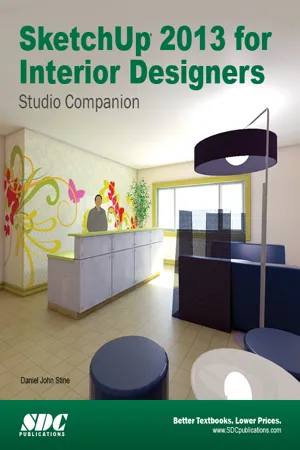
- Written to teach new users the basics of SketchUp 2013
- Tutorials introduce you to using SketchUp to create 3D models for interior design
- Focuses on the fundamentals of 2D line work, 3D extraction, applying materials and printing
- Has been greatly expanded to cover photorealistic rendering, LayOut and working with Revit files
- Designed with a classroom setting in mind
Trimble SketchUp (formerly Google SketchUp) is an all-purpose 3D modeling tool. The program is primarily developed around architectural design, but it can be used to model just about anything. It is an easy way to quickly communicate your design ideas to clients or prospective employers. Not only can you create great still images, SketchUp also is able to produce walkthrough videos.
The tutorials will introduce you to using SketchUp to create 3D models for interior design. Several pieces of furniture are modeled. The process is broken down into the fundamental concepts of 2D line work, 3D extraction, applying materials and printing.
For a little inspiration, this book has several real-world SketchUp project images throughout. Also, a real-world project is provided to explore and it is employed in the book to develop a walkthrough animation.
Rather than covering any one feature or workflow in excruciating detail, this book aims to highlight many topics typically encountered in practice. Many of the tutorials build upon each other so you have a better understanding of how everything works, and you finish with a greater sense of confidence.
In addition to "pure" SketchUp tutorials, which comprises most of the text, you will also enjoy these "extended" topics:
- Introduction to LayOut; an application which comes with SketchUp Pro
- Manufacturer specific paint colors and wallcoverings
- Manufacturer specific furniture
- Manufacture specific flooring
- Photorealistic rendering using V-Ray for SketchUp
- Working with AutoCAD DWG files
- Working with Revit; including how to bring SketchUp models into Revit
This book has been written with the assumption that you have no prior experience using Trimble SketchUp. With this book, you will be able to describe and apply many of the fundamental principles needed to develop compelling SketchUp models.
Although the book is primarily written with a classroom setting in mind, most individuals will be able to work through it on their own and benefit from the tips and tricks presented.