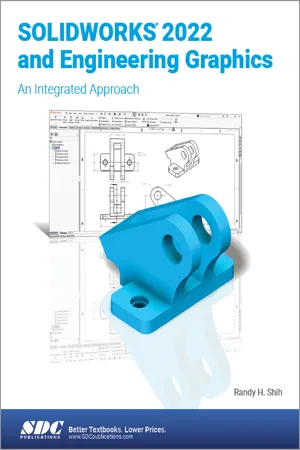
- Combines engineering graphics with SOLIDWORKS 2022 instruction
- Uses a tutorial style with step-by-step instructions
- Contains numerous exercises and review questions designed for classroom use
- Prepares you to take the Certified SOLIDWORKS Associate Exam
- Includes SOLIDWORKS models of the sketching exercises to aid students' visualization
- Features a chapter introducing you to 3D printing
SOLIDWORKS 2022 and Engineering Graphics: An Integrated Approach combines an introduction to SOLIDWORKS 2022 with a comprehensive coverage of engineering graphics principles. Not only will this unified approach give your course a smoother flow, your students will also save money on their textbooks. What's more, the exercises in this book cover the performance tasks that are included on the Certified SOLIDWORKS Associate (CSWA) Examination. Reference guides located at the front of the book and in each chapter show where these performance tasks are covered.
The primary goal of SOLIDWORKS 2022 and Engineering Graphics: An Integrated Approach is to introduce the aspects of Engineering Graphics with the use of modern Computer Aided Design package – SOLIDWORKS 2022. This text is intended to be used as a training guide for students and professionals.
The chapters in this text proceed in a pedagogical fashion to guide you from constructing basic shapes to making complete sets of engineering drawings. This text takes a hands-on, exercise-intensive approach to all the important concepts of Engineering Graphics, as well as in-depth discussions of parametric feature-based CAD techniques.
This textbook contains a series of sixteen chapters, with detailed step-by-step tutorial style lessons, designed to introduce beginning CAD users to the graphics language used in all branches of technical industry. This book does not attempt to cover all of SOLIDWORKS 2022's features, only to provide an introduction to the software. It is intended to help you establish a good basis for exploring and growing in the exciting field of Computer Aided Engineering.