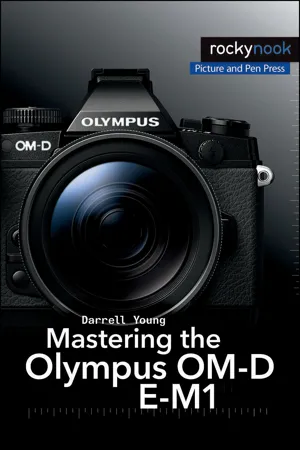
Darrell Young's Mastering the Olympus OM-D E-M1 uses clear, user-friendly instructions to familiarize professional and advanced photographers on the workings of the Olympus OM-D E-M1 camera.
Olympus launched the OM-D E-M1 camera with a specific purpose in mind: to create a Micro Four Thirds camera for professional and advanced enthusiast photographers. As the flagship Micro Four Thirds camera, the E-M1 is the peak of the Olympus digital imaging system. It is a true system camera for those who demand the best in cameras, lenses, and image quality. Darrell Young's Mastering the Olympus OM-D E-M1 explores the features and capabilities of the camera in a way that far surpasses the user's manual. It is designed to guide readers through the camera's features with step-by-step setting adjustments; color illustrations; and detailed how, when, and why explanations for each option. Every button, dial, switch, and menu configuration setting is explored in a user-friendly manner, with suggestions for setup according to various shooting styles. Darrell's friendly and informative writing style allows readers to easily follow directions while feeling as if a friend dropped in to share his knowledge. The learning experience for new E-M1 users goes beyond just the camera itself and covers basic photography technique. This book is based on firmware 3.0.