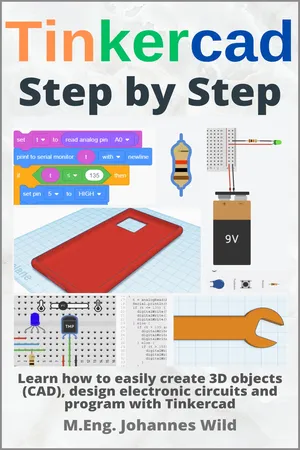
"Tinkercad Step by Step" is the book for anyone who wants to learn the free software Tinkercad from Autodesk in an understandable and practical way from an engineer (M.Eng.). Tinkercad is ideal for the creation of 3D objects (CAD), electronic circuits and programming. After an introduction on how to use the functions and tools of the software, we will create 3D objects, design electronic circuits and learn block-based programming. You will be guided step-by-step and in detail through all aspects of Tinkercad with the help of practical example projects and numerous illustrations. This basics book is especially designed for those who have no previous experience with Autodesk's Tinkercad and want or need to get started with CAD design, electronics or programming. Just take a look inside the book! In this book you will learn both the theoretical basics for creating 3D objects, designing electronic circuits, and programming, as well as the practical application through great and exciting sample projects. This book offers you a complete, easy to understand, yet professional introduction to the world of Tinkercad! No matter what age you are, if you are still in school, if you are already an adult, if you are a student or a retiree. The software is fantastic to use at any age.
In this course, which is specifically designed for beginners, you will learn all the basics to successfully use Tinkercad. The lessons of this course in short:
- The structure of Tinkercad and its features and tools
- How to use the "3D Designs" workspace and code blocks to create 3D objects (CAD)
- How to use the "Circuits" workspace to create electronic circuits
- How to use block-based programming for the Arduino mini-PC
Numerous sample projects such as smartphone case, wrench, light-controlled motor, temperature-controlled LED, and much more!
Take a look inside the book and get your copy as an ebook or paperback!