Modules: HCLT101-1, HCLT1181, and HCLT130-1. Computer Literacy aims to provide students with a powerful word-processing application that allows them to create, edit, format, and organise documents. Its primary purpose is to provide a user-friendly interface that enables users to efficiently produce a wide range of documents, including letters, reports, essays, and more. Key features of the Microsoft Word module include text formatting options, spell checking, grammar checking, page layout customisation, table creation, image insertion, and the ability to collaborate on documents with others.
This book isn’t in the library right now, search for another
- English
- ePUB (mobile friendly)
- Available on iOS & Android
eBook - ePub
No longer available
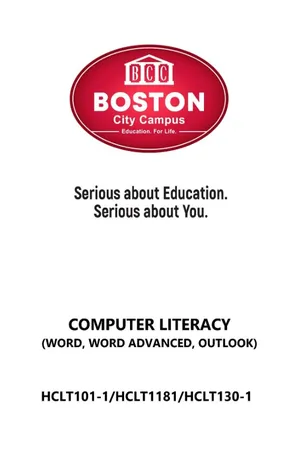
Computer Literacy (Word, Word Advanced, Outlook)
About this book
Trusted by 375,005 students
Access to over 1.5 million titles for a fair monthly price.
Study more efficiently using our study tools.
Information
Publisher
Boston City CampuseBook ISBN
9710000000006
Year
2025Table of contents
- UNIT 1: WORKING WITH DOCUMENTS
- UNIT 2: FORMATTING
- UNIT 3: ORGANISING CONTENT
- UNIT 4: FINALISING YOUR WORK
- UNIT 5: ENHANCING DOCUMENTS
- UNIT 6: WORKING WITH PARAGRAPHS
- UNIT 7: WORKING WITH DOCUMENTS
- UNIT 8: WORKING WITH LONG DOCUMENTS
- UNIT 9: COLLABORATING ON DOCUMENTS
- UNIT 10: GRAPHICS AND CHARTS
- UNIT 11: MICROSOFT OUTLOOK 2021: INTRODUCTION AND EMAIL
- UNIT 12: MORE EMAIL FEATURES
- UNIT 13: WORKING WITH CONTACTS
- UNIT 14: THE OUTLOOK CALENDAR